Capture
Capture from anywhere
Type one line. LaterLoom sorts the rest.
How capture works
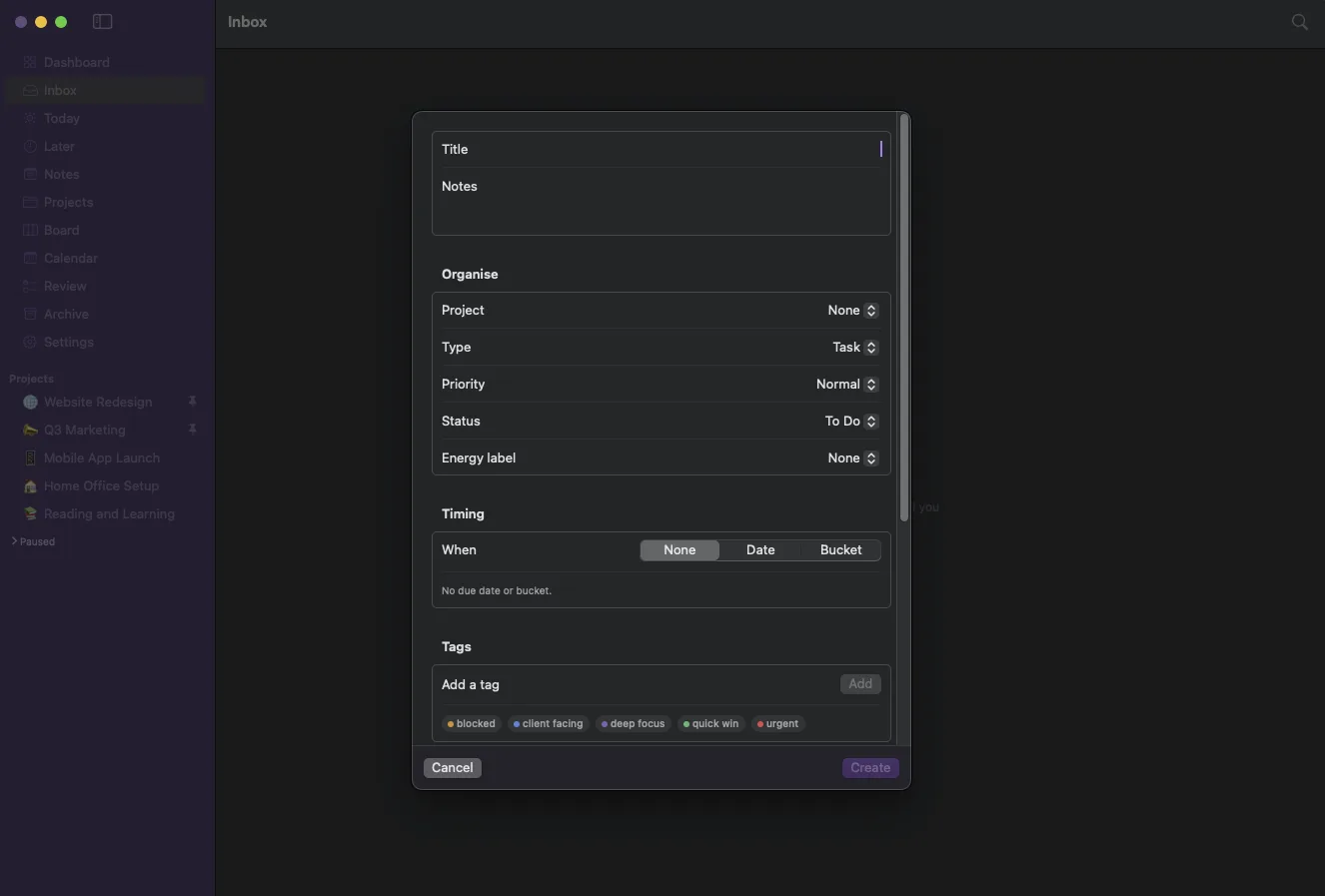
LaterLoom is built so the gap between a thought and a saved item is almost nothing. Whatever you are doing, one keystroke opens a capture field, and a light grammar lets you add structure without ever leaving the keyboard.
Three ways in
A system-wide hotkey, a menu bar drop and an in-app command bar, so capture is always one motion away.
Grammar, not forms
Hashtags, an at-sign for projects and simple tokens set timing, energy and priority as you type.
Never lost
Everything saves to your Mac first. Optional AI can tidy it up afterwards, but it is never in the way.
Part of one connected loop
Capture from anywhere is one step in how LaterLoom works: capture, triage, organise, resurface, review. Explore how the rest fits together.
Bring order to a busy mind
A global shortcut, the menu bar and a command bar turn a fleeting thought into a saved card or note in seconds, even offline.
Download on the Mac App Store